Links


Banner

Showing posts with label Coding. Show all posts

June 04, 2019


Free "Coding" Resources...

Borrowed this from another site, thank you!
Some great places to find FREE coding resources, lessons and ideas:

1. Code.org - In a different blog post, I briefly talked about this great resource and you can read it here. 

What I really liked about this program:

-  I teach over 600 students and I could create multiple classes and assign each student their course. What was really great is that if you have students who aren't grade level ready for there courses, you can assign them an appropriate course and no one knows but you. This allows for all students to feel and be successful in coding. 

-  I can monitor each students individual progress, view their lessons and cater their learning needs as needed. The teacher aspect is a great tool.

-  There are unplugged activities also. I really liked the cup stacking activity and so did my students. 


2. ScratchJr. - In a different blog post, I briefly talked about this great resource and you can read it here.
Image of one of my challenge sheets - link attached!
I used this resource with my Kindergarten, 1st and 2nd graders and they absolutely LOVED it. I created a variety of different tasks for students to create. Attached is a copy of one of their "Challenges". Just make sure if you teach multiple classes and grades and they share iPads, create a system so you can identify who has done what.

For example:
- Each of my iPads are a group color (ex: red, yellow, etc...)
- Each class saves their work with identifying codes. For example: M2ch1 (First Initial of teachers last name,grade level, challenge #). Because students get assigned a specific iPad color, I know who has done the work and this has made a hug difference in my grading ease. 
- I laminate and print all my challenges so they can be reused over and over without the worry of getting messed up. 

3. Scratch - Is the computer version for older students. This resource will allow you as an educator to create a FREE account. I think you have the ability to get 50 free student accounts when you sign up. So what I did is create this for only my 5th graders. Each class would have an account and when I was finished with one class I'd "suspend" the account and open the new class. This worked great but takes a little more planning. I do recommend creating tasks for your class so they don't play around. If you have a drama teacher...collaborating with him/her would be a perfect way to make the lesson fun.

I know there are many more FREE resources, but from an educators perspective, these really were my favorite. 


April 05, 2019

ScratchJr®...A great coding app!

ScratchJr® is so amazing!
It's a great coding app for younger children and easy to navigate.

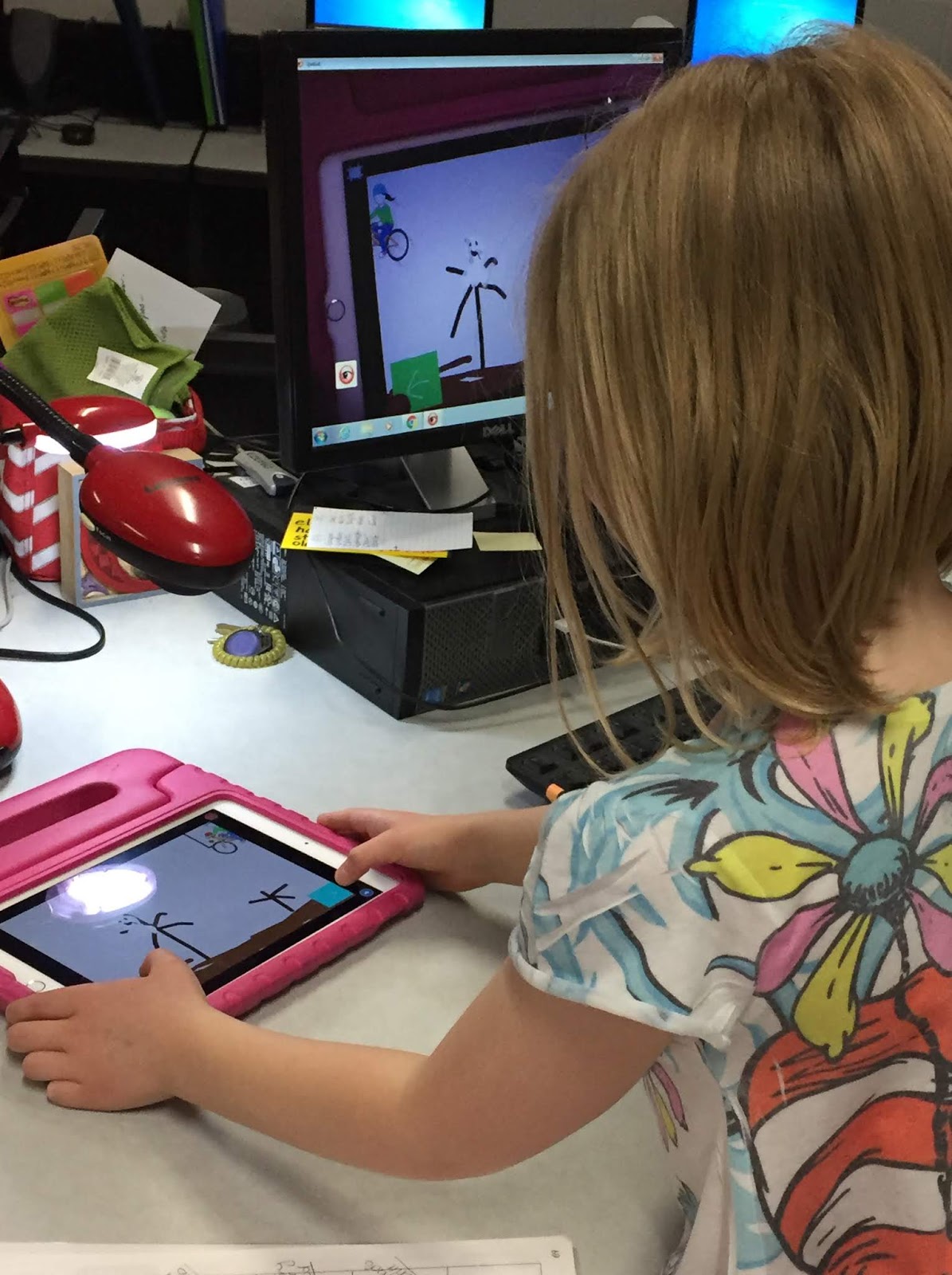
Check out their website and see what awesome things they offer. I use ScratchJr® with my Kindergarteners, 1st and 2nd graders to design and code programs in our STEAM class. Many of our ideas come from the curriculum that PLTW® incorporates into there modules. But, I've also designed some projects myself. 

The students love it and it's so much fun, especially the part about being able to draw your own characters and backgrounds. The art teacher in me is definatley coming out here. 


Below are the links to some FREE posters for you that I've created for my students. Please feel free to use them, but since ScratchJr® is copy written, I ask that you don't sell them on any site, thank you. 

ScratchJr - poster1
ScratchJr - poster2

If you would like some other great resources to go with your programming curriculum check out my TPT shoppe. I've got a lot of STEm/STEAM resources to choose from. Here's a sample of what I use when setting up pair programming partners. It's a great way to get both students involved without the fighting over who gets to touch the IPads. 


If you are able to, only have 2 students per device and let them take turns being the Driver and Navigator. Both students will present together. 

But, If you have to have 3 students together, this helps give them all jobs. But each child should get the opportunity to be the driver. I usually alter days or tasks so there's no confusion. 

Here's the link to my Programming Jobs print in my shoppe. I use this everytime and it really makes a difference and eliminates the arguments. 


1st Grades Game Design


April STEAM Newsletter - To view the PDF, just click on the link and download the PDF to your computer. You don't need Dropbox, just download the file to your computer.


November 30, 2018


Unplugged Coding
 Coding with Students! 

If you are thinking about implementing coding into your curriculum, you need to check out: code.org! 

Your students will create their own games, art, and digital stories that they can share - all while developing problem-solving, collaboration, persistence, and computational thinking skills. Do your students love to get up and move around? Half of the lessons are "unplugged" activities that teach computational thinking and digital citizenship skills without computers. 

Code.org is a FREE and lets educators create classes, distribute assignments, and see everything in one place. I absolutely LOVE it and I had never taught coding until this year.